3D Part & Assembly Design
Create complex mechanical parts and complete assemblies using bottom-up and top-down workflows with associative components.


BricsCAD Mechanical is a powerful DWG-based mechanical design platform for creating 3D parts, parametric assemblies, sheet-metal components, exploded views, production drawings and Bills of Materials.
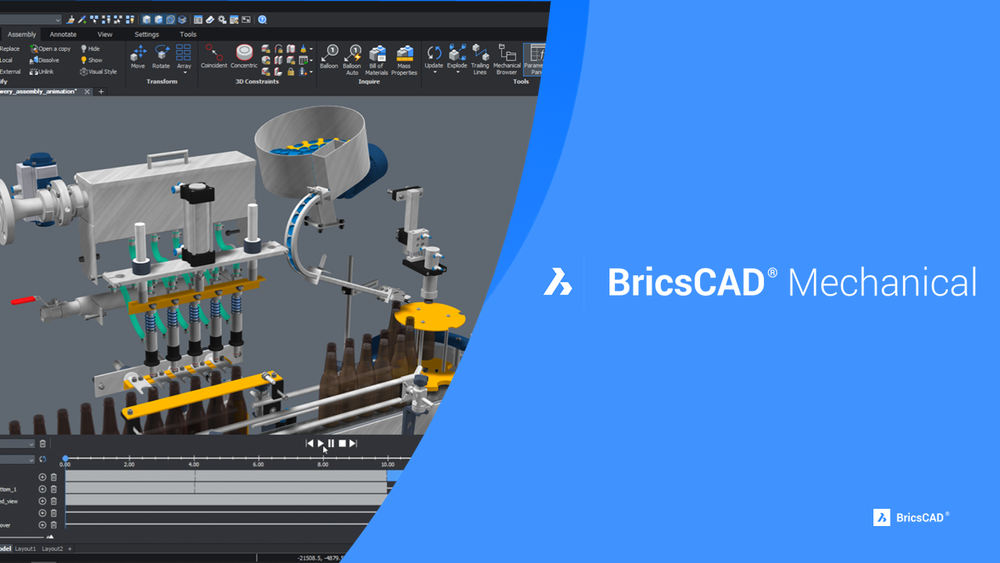
BricsCAD Mechanical is designed for machinery, product-development and manufacturing teams that need advanced 3D mechanical design while continuing to work in the familiar DWG format.
Create intelligent parts and assemblies, apply parametric constraints, develop sheet-metal components, generate exploded views and produce accurate 2D drawings and Bills of Materials from the same design model.
Create complex mechanical parts and complete assemblies using bottom-up and top-down workflows with associative components.
Apply 2D and 3D constraints to control geometry, preserve design intent and update models confidently during revisions.
Insert and customise bolts, nuts, bearings, gears and other standard components based on ISO, DIN, ANSI and JIS standards.
Create bends, flanges, reliefs and corner treatments, then generate accurate flat patterns for CNC cutting and laser machines.
Manage multi-level assemblies and automatically generate Bills of Materials and exploded views linked to the design.
Generate orthographic, section, detail and exploded views from 3D models, with associative updates when geometry changes.
Save and exchange data in standard DWG format, reducing file conversion issues across existing CAD environments.
Familiar commands and workflows help users move from traditional mechanical drafting environments with less disruption.
Work natively with BricsCAD Pro and BIM environments for broader coordination across architecture, civil, MEP and industrial projects.
Maintain design intent and make controlled updates to parts and assemblies.
Automate views, BOMs and exploded drawings directly from the 3D model.
Support machinery, tooling, fabrication and sheet-metal production workflows.
Choose affordable perpetual licensing or other available commercial model
BricsCAD Mechanical is suitable for organisations that design, manufacture or document mechanical products and equipment.
Contact Rheologist Gaze & Solutions for a product demonstration, licence recommendation, commercial quotation and implementation support.